Introduction
When it comes to video editing, many people immediately think of professional tools like Adobe Premiere Pro or Final Cut Pro. However, not everyone has the time or patience to learn those advanced programs. This is where Movavi Video Editor steps in. Designed for beginners and intermediate creators, Movavi combines an easy-to-use interface with surprisingly powerful features. Whether you’re making YouTube videos, short social media clips, or even professional presentations, this software provides a smooth experience without overwhelming you.
Main Features
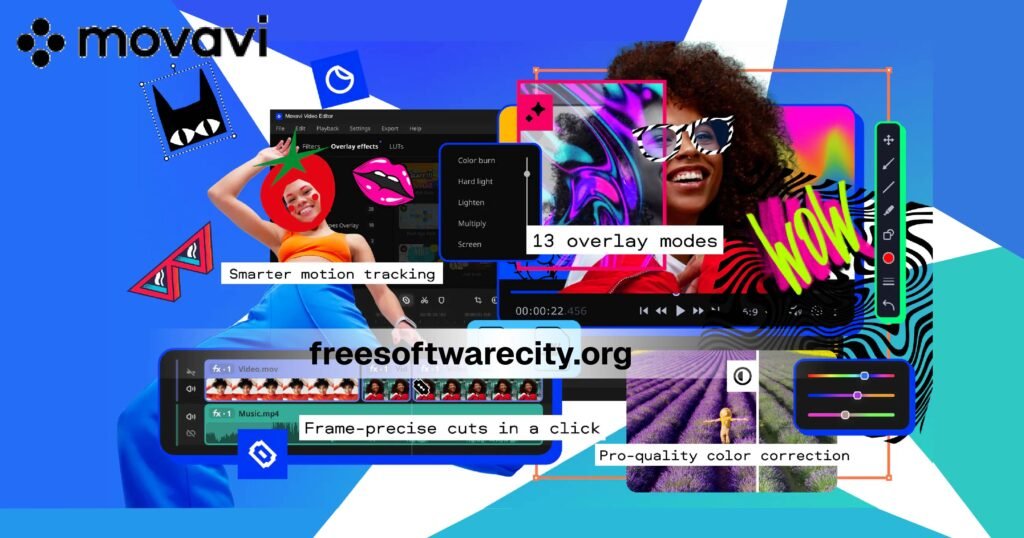
- User-Friendly Interface – The drag-and-drop system makes editing intuitive. No steep learning curve.
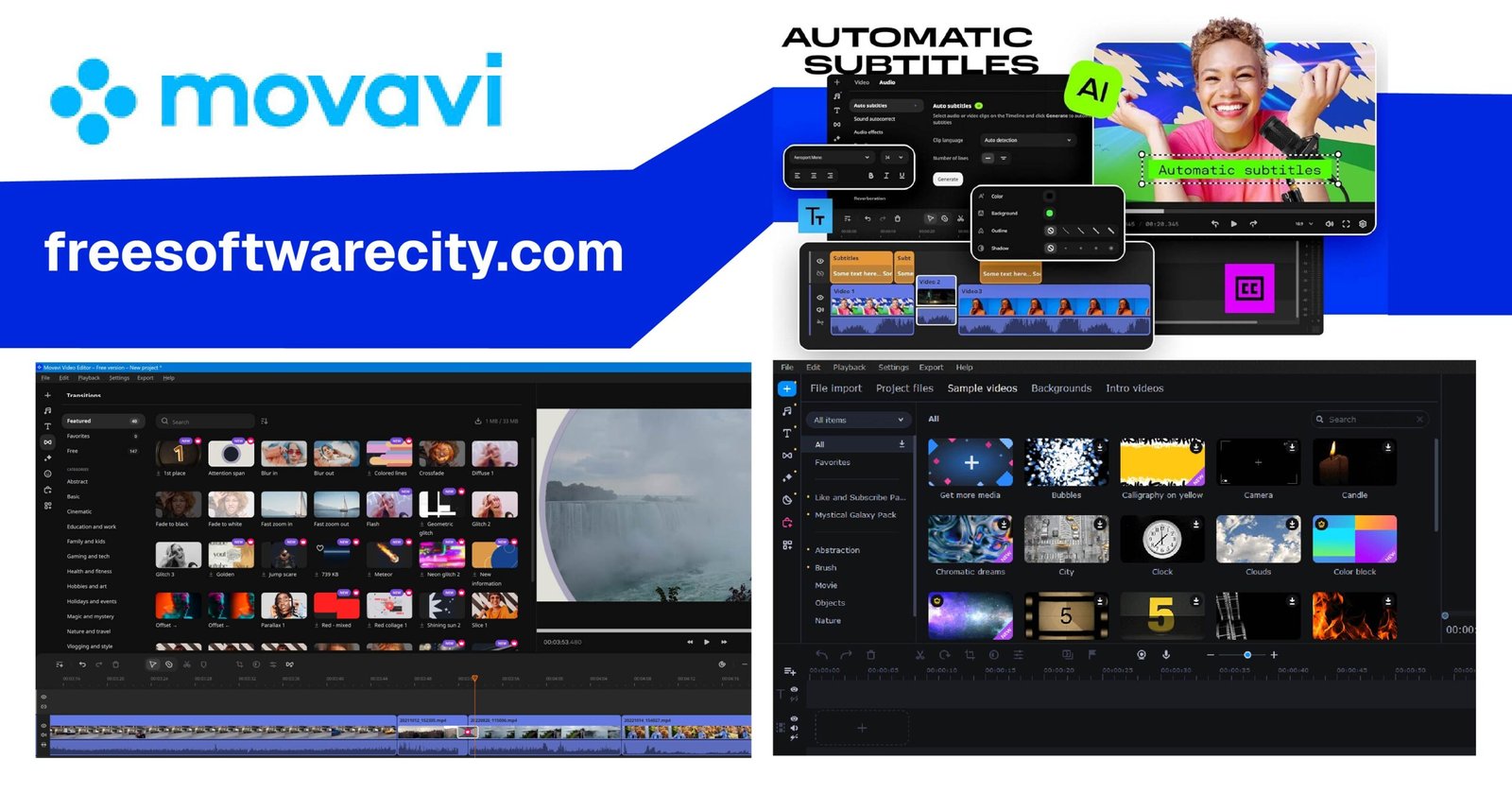
- Transitions & Effects – Comes with hundreds of transitions, filters, and special effects that enhance storytelling.
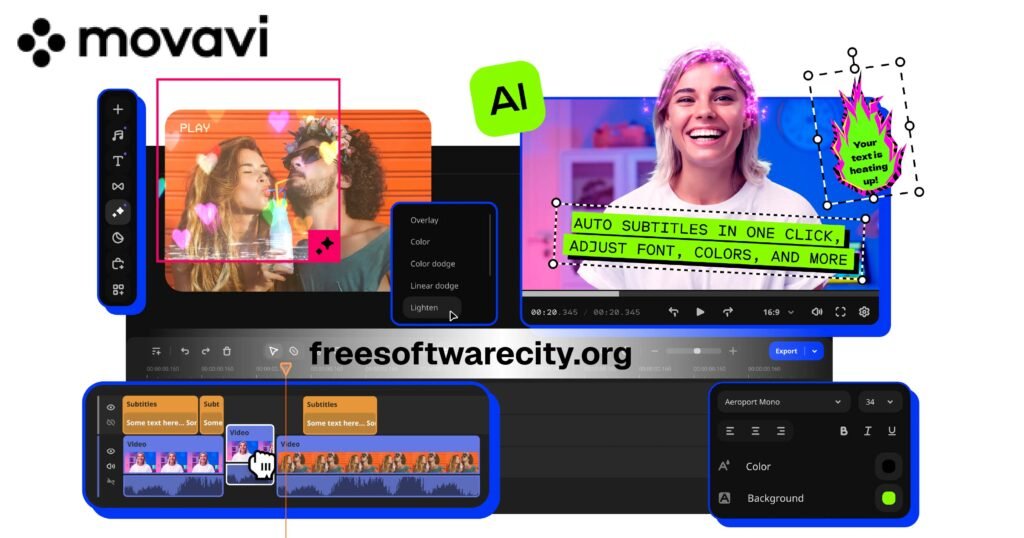
- Titles & Text – Add animated titles, stylish captions, and text overlays in seconds.
- Audio Editing – Noise removal, equalizer, and synchronization with video are built-in.
- Chroma Key (Green Screen) – A feature usually reserved for pro editors, but Movavi makes it simple.
- Stabilization – Smooth out shaky footage with a click.
- Screen Recording & Montage Wizard – Perfect for tutorials, vlogs, or auto-creating videos from your clips.
- Export Options – Wide range of formats and direct export to YouTube, Vimeo, or Google Drive.
User Experience
One of the biggest reasons people fall in love with Movavi is how effortless it feels. From installation to editing, the software never intimidates you. Beginners can create a polished video within minutes, while intermediate users still have enough tools to experiment. The timeline is clean and simple, with layers for video, audio, and text. Even on older laptops, Movavi runs smoothly and doesn’t hog resources the way Adobe often does.
Another highlight is the built-in templates and stock media. If you don’t have time to search for music or graphics, Movavi already provides a library. For vloggers and small business owners, this is a massive time-saver.
Pros & Cons
✅ Pros:
- Extremely easy to learn, perfect for beginners
- Smooth performance, even on mid-range PCs
- Rich library of effects, transitions, and stock content
- Affordable one-time license option
- Green screen, stabilization, and audio tools included
❌ Cons:
- Limited advanced editing compared to Adobe Premiere Pro or DaVinci Resolve
- Some effects require paid add-ons
- Free trial exports with watermark, which can be frustrating
Conclusion
Movavi Video Editor may not replace industry giants for professional filmmakers, but for everyday creators, it strikes the perfect balance between simplicity and functionality. If you want to produce beautiful videos without hours of learning curves, Movavi is an excellent choice. It’s budget-friendly, fast, and reliable, making it one of the best tools for students, content creators, and small businesses.