
🧠 Experience
As someone who frequently deals with PDFs—be it for work, study, or personal projects—finding a reliable PDF editor has always been a challenge. Many tools either lack essential features, are overly complex, or come with hefty price tags. Enter UPDF, a game-changer in the PDF editing realm. After using it extensively across various devices, I can confidently say that UPDF has redefined my approach to handling PDF documents.
📘 Introduction
UPDF is an AI-powered PDF editor that seamlessly integrates advanced features with an intuitive interface. Whether you’re editing text, annotating documents, converting files, or leveraging AI tools for summarization and translation, UPDF offers a comprehensive suite of tools. It’s compatible across multiple platforms, including Windows, macOS, iOS, and Android, ensuring that your workflow remains uninterrupted regardless of the device you’re using.
🔍 Main Features
1. AI-Powered PDF Interaction
One of UPDF’s standout features is its AI integration. Powered by GPT-5 and DeepSeek (R1), UPDF allows users to:
- Chat with PDFs: Engage in interactive conversations with your documents to extract information or clarify doubts.
- Summarize Content: Quickly generate summaries of lengthy documents, saving time on reading.
- Translate Text: Break language barriers by translating content within your PDFs.
- Create Mind Maps: Visualize information by generating mind maps directly from your documents. UPDF
2. Comprehensive PDF Editing
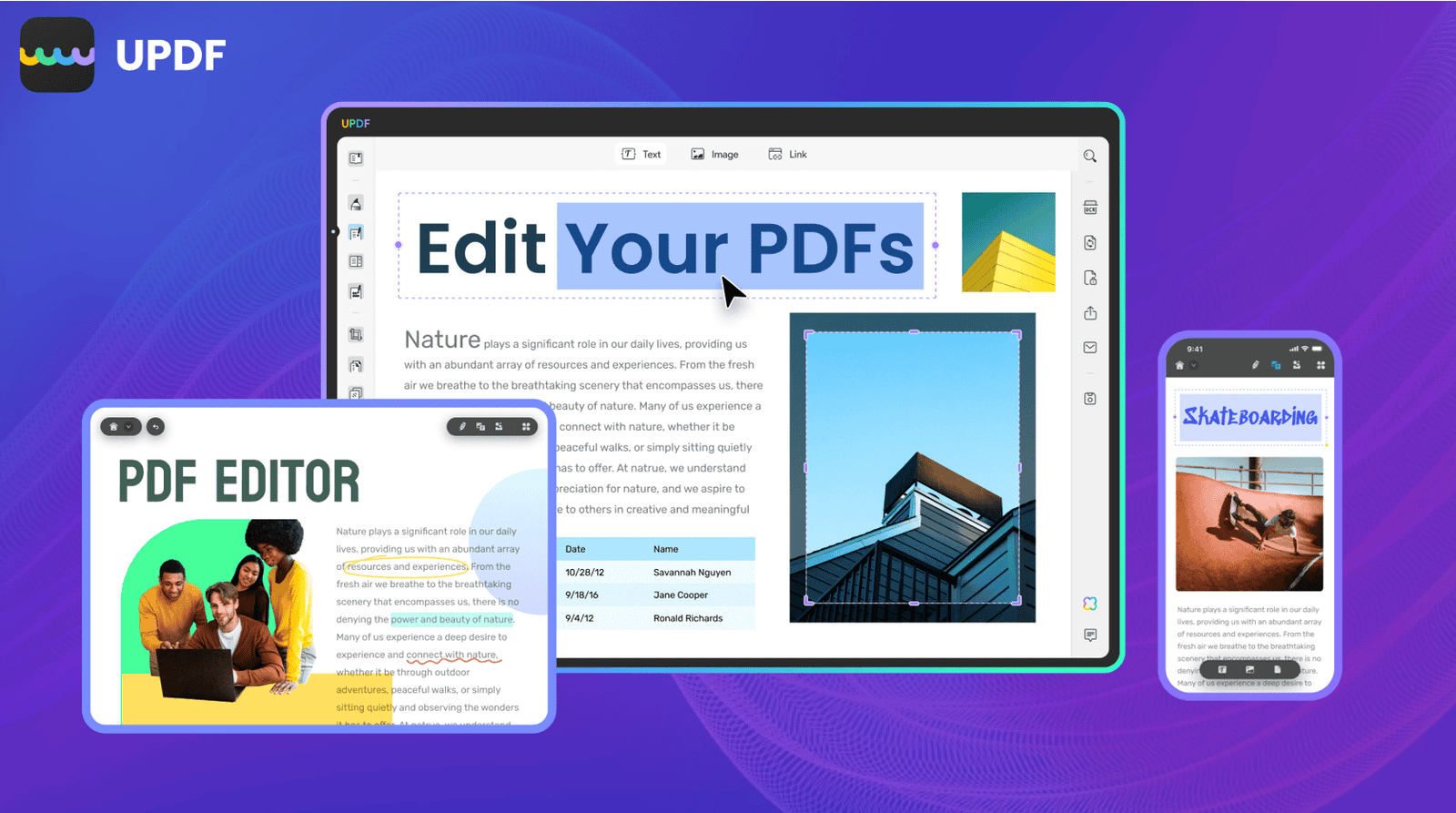
UPDF offers robust editing tools that rival traditional word processors:
- Text Editing: Modify font styles, sizes, and colors; adjust alignment; and more.
- Image Manipulation: Insert, crop, rotate, replace, or delete images within your PDFs.
- Annotations: Utilize sticky notes, highlights, stamps, and shapes to annotate documents effectively.
- Form Handling: Create, fill, and edit interactive forms with ease.
3. Advanced Conversion Capabilities
UPDF supports converting PDFs to and from various formats, including:
- To: Word, Excel, PowerPoint, HTML, RTF, TXT, and images.
- From: Scanned documents via OCR, ensuring that even image-based text is editable. UPDF
4. Enhanced Document Organization
Managing large documents becomes effortless with UPDF’s organizational tools:
- Page Management: Insert, delete, rotate, extract, or split pages as needed.
- Bookmarks and Thumbnails: Navigate through documents swiftly using thumbnails and bookmarks.
- Batch Processing: Apply changes to multiple files simultaneously, streamlining workflows. UPDF
5. Cross-Platform Synchronization
With UPDF, your work is always in sync:
- Cloud Integration: Store documents in the cloud and access them from any device.
- Seamless Syncing: Changes made on one device reflect instantly across all platforms. UPDF
6. Robust Security Features
Protecting sensitive information is paramount:
- Password Protection: Secure your PDFs with strong passwords.
- Redaction Tools: Permanently remove confidential information from documents.
- Digital Signatures: Authenticate documents with legally binding e-signatures. UPDF
💰 Pricing
UPDF offers flexible pricing plans to cater to different user needs:
- Free Version: Access basic features without any cost.
- Pro Version: Unlock advanced tools and functionalities at an affordable price point.
- Lifetime License: A one-time payment for lifetime access, providing excellent value for long-term users. UPDF
🧾 Pros and Cons
Pros:
- User-friendly interface suitable for both beginners and professionals.
- Comprehensive feature set covering all aspects of PDF management.
- AI-powered tools enhance productivity and document interaction.
- Cross-platform support ensures accessibility on various devices.
Cons:
- Some advanced features may require a learning curve for new users.
- Occasional performance lags with extremely large documents.
Final Verdict
In the crowded market of PDF editors, UPDF distinguishes itself with its blend of traditional editing tools and innovative AI features. Its cross-platform compatibility ensures that users can work seamlessly across devices, while its robust security measures provide peace of mind. Whether you’re a student, professional, or casual user, UPDF offers a comprehensive solution to all your PDF needs.